


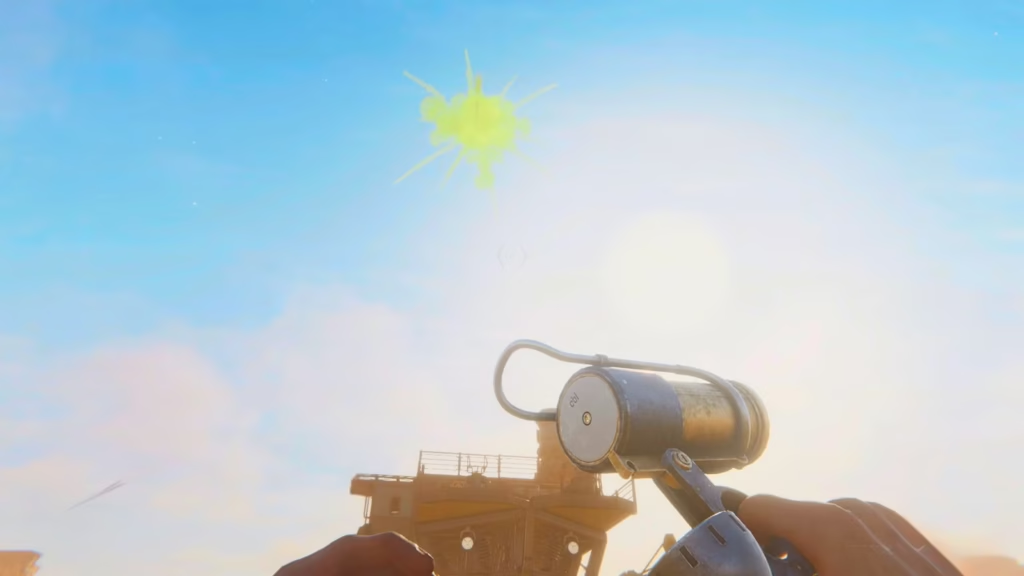
The flare device in Sand: Raiders of Sophie is more than just a visual effect—it’s a practical way to communicate with other players. You can adjust its color to send different kinds of signals. The game doesn’t assign official meanings to the six available colors, but players often rely on common interpretations, such as green indicating friendly intentions and red suggesting danger or hostility. This guide explains how to change the flare’s color.
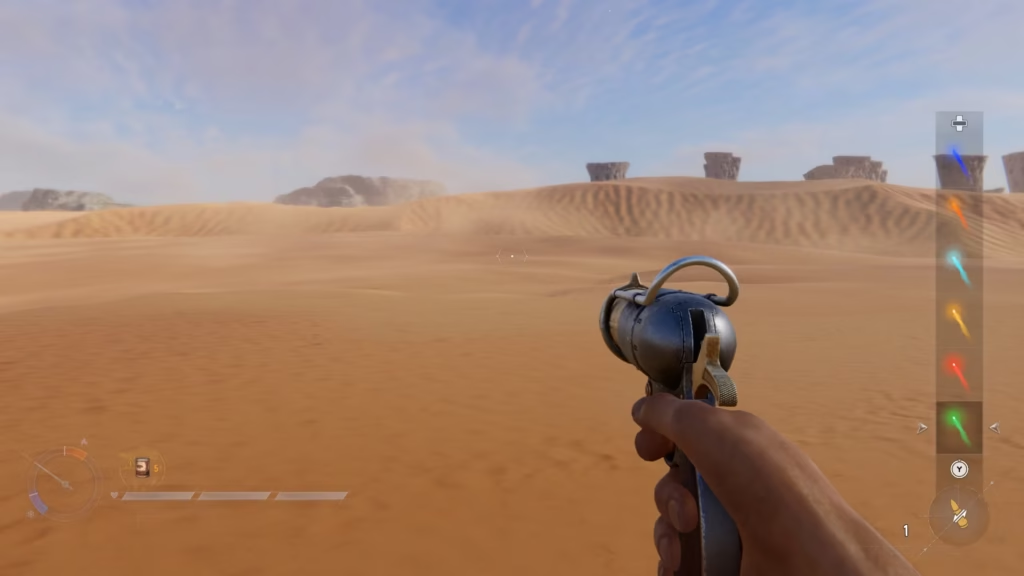
How to change the flare color
- Players can choose between six colors: green, red, yellow, cyan, orange, and dark blue
- On PC, hold the R key and use mouse scroll up or down to cycle through the available colors
- On controller, hold the Y button or triangle button to open the flare color selection menu
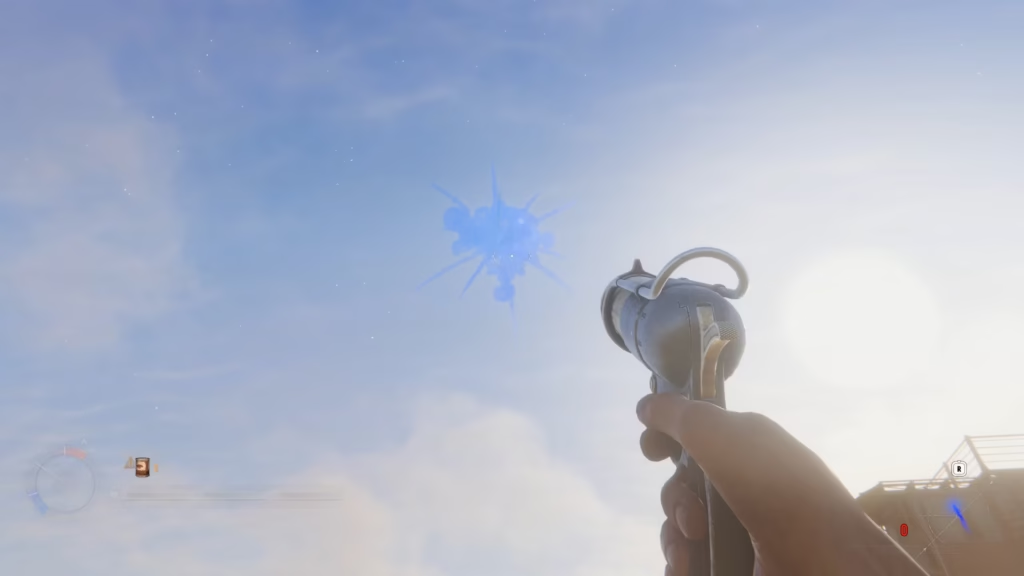
- After selecting a color, fire the flare into the sky. It produces a smoke cloud that lasts about 45 seconds and is visible from a long distance, so it should only be used when necessary
Although the tool has unlimited uses, overusing it can attract unwanted attention from other players.
In some cases, a red flare may be interpreted as a hostile signal and trigger conflict, while a green one is often seen as friendly and can influence player behavior.
However, the outcome always depends on how aggressive the current lobby is.
As a Reminder, Magisk becomes in-game leader of s1mple’s team.