


Recently, the second part of the survival adventure game Subnautica by Unknown Worlds Entertainment was released in early access. It immediately became a hit, as the game needed only 12 hours to reach the mark of 2 million copies sold, while total sales have now surpassed 4.1 million copies.
However, for newcomers it can be difficult to immediately understand the game. That is why we prepared a small Subnautica 2 guide for you, which will help you quickly get into the game.
Story of Subnautica 2
The events of the game take place on a new unexplored planet. The main character goes on an expedition to explore a new aquatic world and uncover its mysteries by finding out what happened to the previous researchers. In the new installment, a greater emphasis is placed on understanding the nature of the ocean, where every step can lead to a major discovery or pose a serious danger.
A special feature of Subnautica 2 is the presence of cross-platform play. This allows players to explore the world together with up to four friends.
World of Subnautica 2
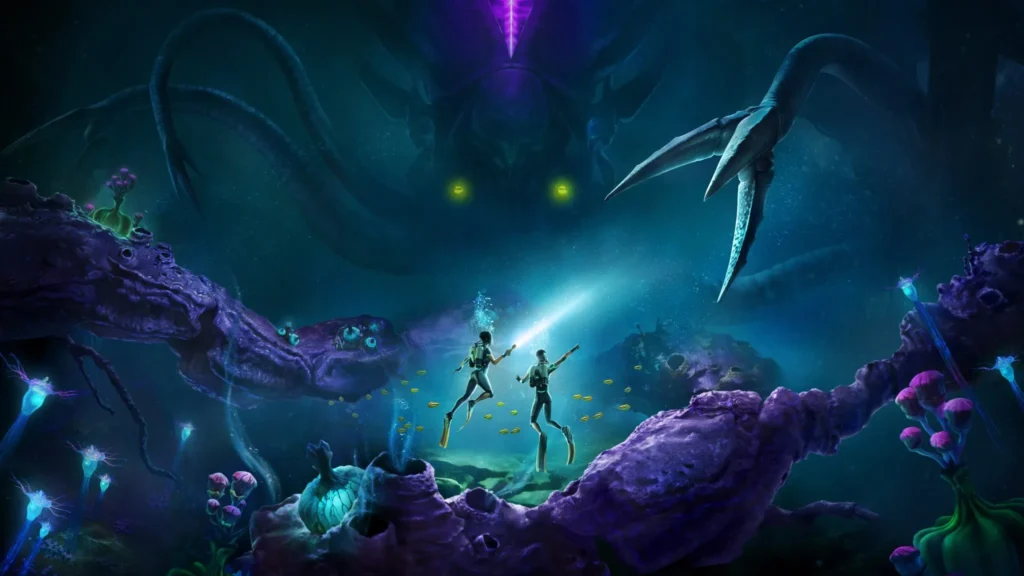
The second part of Subnautica features a more vertical underwater world. Many important resources and secrets can be found in deep ravines, so it is important to properly plan your oxygen route.
The biomes of this world change more frequently and contrast strongly with each other. For example, you can swim from bright, sunlit coral gardens into cold, almost lifeless zones where only the toughest creatures survive.
Here, it is worth paying attention to the color palette of the water. When it becomes murkier or changes its shade, this is a signal that you have entered another biome with completely different inhabitants and dangers.
The planet itself is designed to feel more alive. Enemies have also been reworked — they can hide in flora, use bioluminescence, or act in packs.
Graphics Settings in Subnautica 2
Of course, for comfortable gameplay you need to choose the right settings to get maximum FPS in Subnautica 2. Special attention should be paid to lighting and shadow settings. It is also worth disabling Lumen, as it heavily loads the graphics card.
For optimal display settings, it is better to use fullscreen or borderless mode. It is recommended to set the FPS limit according to your monitor’s refresh rate, as this will help avoid sudden freezes.
Turn off vertical synchronization, motion blur, and underwater blur. This will improve clarity and visibility in murky water.
For NVIDIA RTX graphics cards, choose DLSS as the upscaling method, while for AMD/Intel cards or older models, choose TSR. Set the upscaling quality to Balanced or Quality.
Adjust the rest of the settings according to your PC configuration, maintaining a balance between image quality and performance. However, it is better to avoid the Epic preset, since the difference compared to High is minimal, while the impact on FPS can be noticeable.
For better frame rates, it is also recommended to disable third-party overlays such as Discord, Xbox Game Bar, and GeForce Experience.
Recommendations for a Successful Start
Now let’s move on to the basic game mechanics and recommendations that will make your start easier.
Keep Track of Oxygen in Subnautica 2
At the beginning, you will encounter various obstacles such as hostile fauna or toxic flora. At the same time, you may not notice how you start running into oxygen problems.
To avoid this, as soon as you obtain silver, immediately craft an air tank. This should be your main priority at the start, since it provides +30 to your maximum oxygen capacity. Of course, silver can be difficult to find early on, but the additional oxygen reserve will be extremely useful at the beginning of the game.
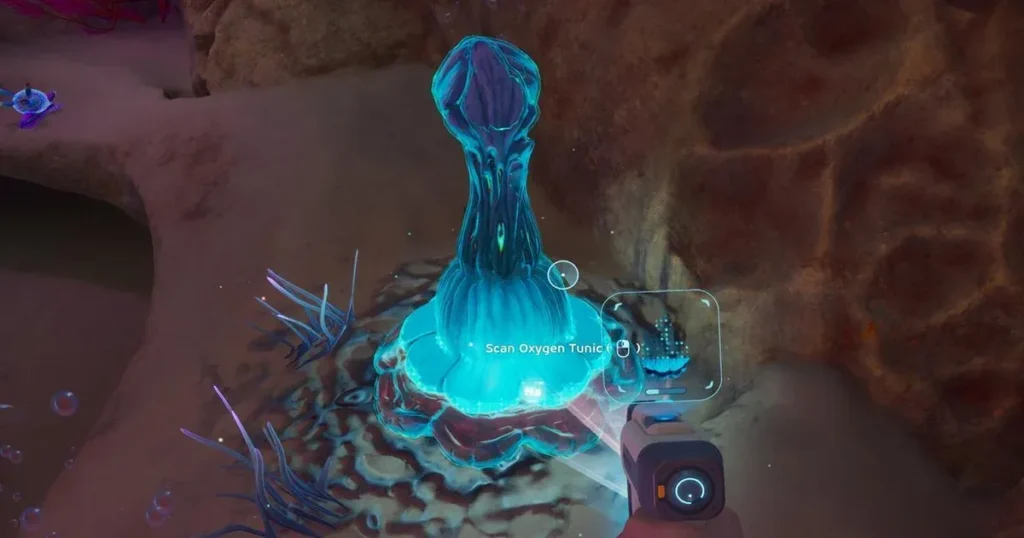
During long dives, you can replenish your oxygen supply thanks to Oxygen Tunics. They release blue bubbles that can be used to restore oxygen without returning to the surface.
You should also not delay crafting the air canister, which requires Lucifer Rotsac and Titanium. Thanks to this tool, you will be able to restore 25 units of oxygen, and it automatically recharges every time you return to the surface.

Do Not Forget About Water and Food
In Subnautica 2, water and food are important survival mechanics. You can solve the water issue almost immediately — for this, you need to find Water Slugs and use the Fabricator to process them into drinking water. Water Slugs look like translucent aquatic creatures that can be found all across the ocean floor and near your escape pod.
Food is more complicated in the game, because at the beginning you will have digestive incompatibility, which will prevent you from consuming products made from the local flora and fauna. Therefore, you need to find Angel Comb Digestion, which unlocks digestive adaptation. It can be found approximately 150–180 meters north/northeast of the escape pod.
You can also find food in the escape pod storage. This will be useful until you unlock digestion.
Constantly Scan the Environment
Scanning is one of the core mechanics in Subnautica 2, and your progress depends on it. New tools, vehicles, structures, upgrades — all of these become available through scanning.
Scan everything you see, and this way you will definitely find everything you need, so do not skip:
- flora
- fauna
- materials
- tools
- furniture and interior objects
Scanning helps unlock blueprints that are required for crafting various items. IMPORTANT: scanning an object once is often not enough to unlock its blueprint — you need to scan several objects of the same type.
One more small tip: once you have already unlocked a blueprint, you can continue scanning objects of the same type, since this provides materials.
Other Important Tools in Subnautica 2
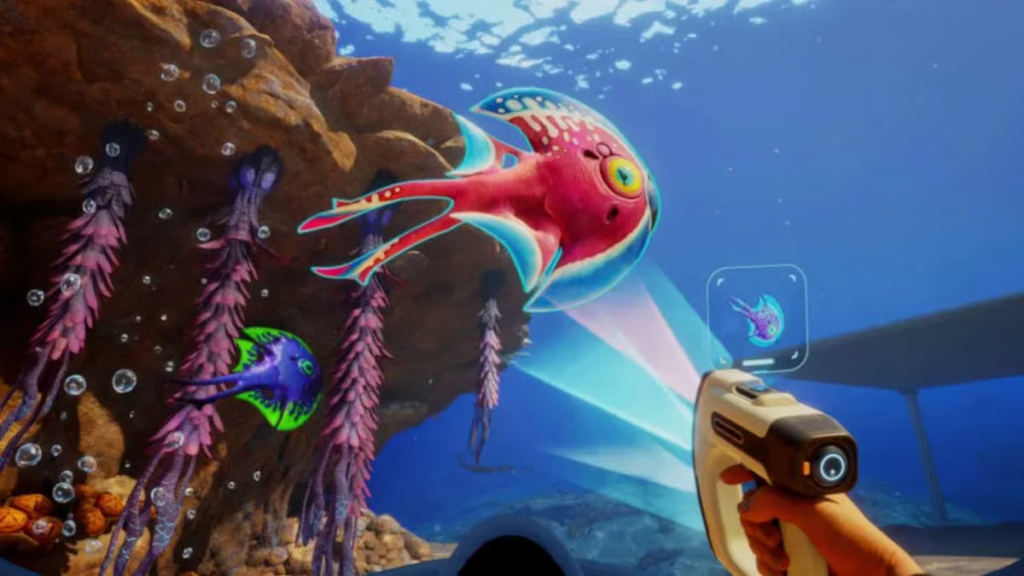
Although the Scanner is an important tool in the game, it is not the only one. For example, if you want to make exploration easier at the beginning, one of the first things you should unlock is the Flashlight. With it, you can illuminate dark areas of the ocean so you do not miss anything important. You need to scan two flashlights to obtain its blueprint.
Another crafting priority should be the Survival Multitool, which can be created at the very start of the game. Thanks to it, you will gain access to Fibrous Pulp and other important materials.
The Sonic Resonator allows you to mine large resources, cut through Bloom Biofilm, and grants access to new ocean areas for exploration. However, crafting it at the beginning is impossible — you must reach a certain point in the game before this becomes available.
Do Not Forget to Expand Your Inventory
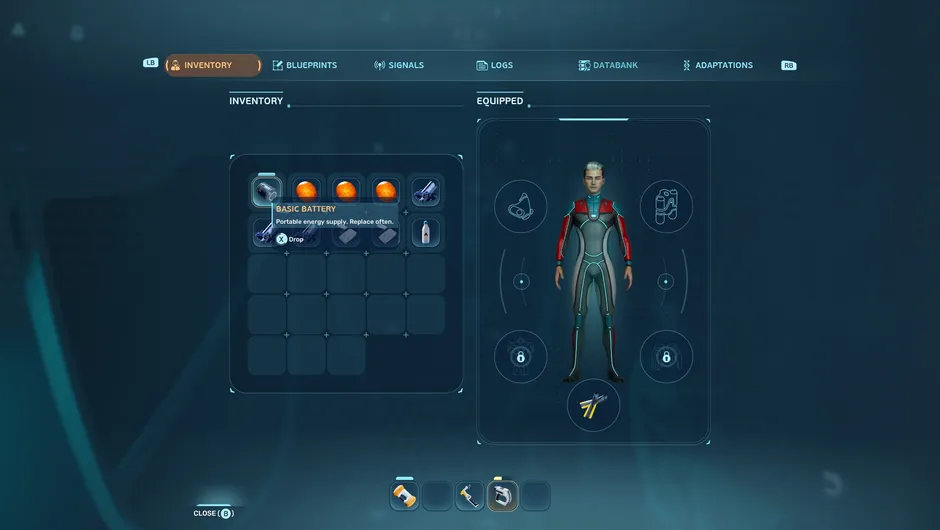
At the start, you will have 20 inventory slots, and they can fill up very quickly. Here are some tips for proper inventory management.
During the early stages of exploration, constantly look for portable lockers. They have 15 slots each. You can fill them up and then move them to the escape pod to store items nearby.
In underwater structures, often referred to as colonist bunkers, you can encounter Biobeds. Interacting with them grants you additional inventory slots.
To solve storage capacity issues, try to pick up only the resources you need most urgently at the beginning. However, Silver and Lead are exceptions — they are extremely important, so collect them whenever you encounter them.

Do Not Delay Building a Base
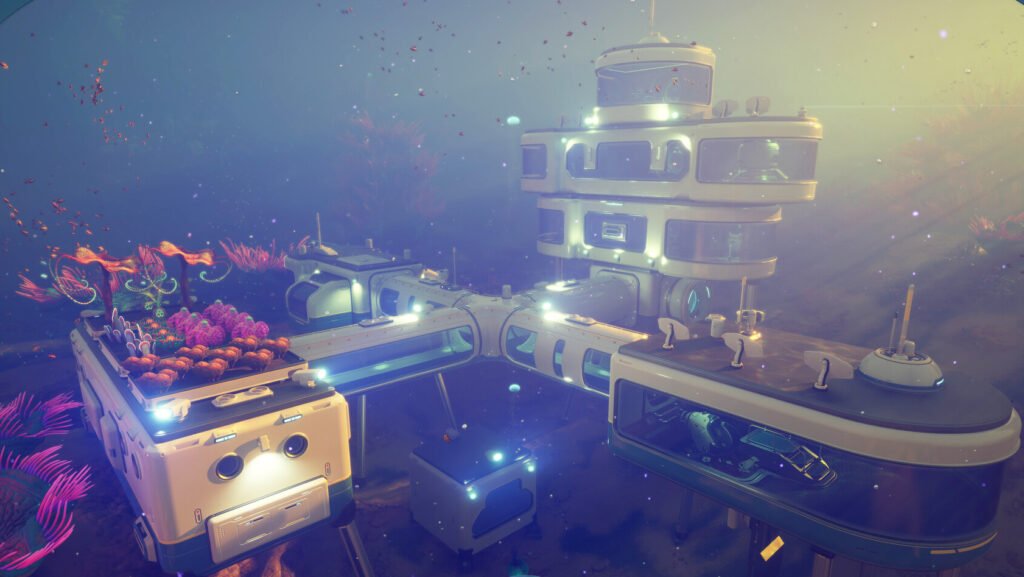
In Subnautica 2, you can survive outside the Lifepod for a long time. However, you should not delay building your base, since it removes a number of early-game limitations.
For example, after creating a base, the functionality of the Fabricator expands significantly, because the version inside the Lifepod is not a fully functional manufacturer. Placing a Fabricator in your base solves this issue.
You will also have the opportunity to build a scanner station. It allows you to track the location of resources, which greatly simplifies gathering them. This is especially useful for finding rare materials, so do not delay constructing it.
The inventory capacity problem can also be solved after building a base. You will be able to create lockers there to store materials, and when constructing something, the necessary resources will automatically be taken from them.

Do Not Ignore Interactions with NOA
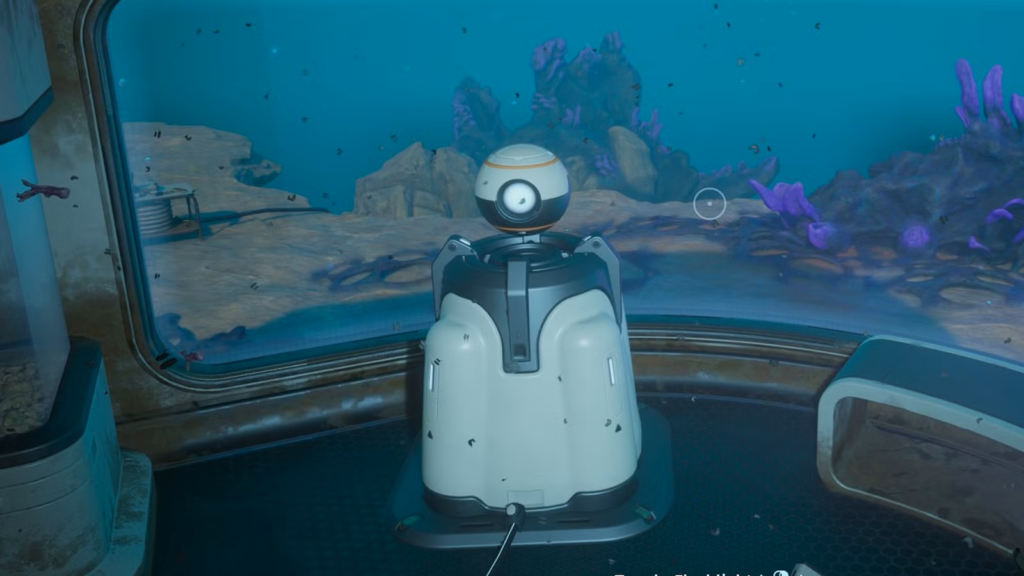
In Subnautica 2, the artificial intelligence NOA has replaced the PDA from the previous games. You will receive notifications that NOA in your Lifepod wants to share some information with you. Do not ignore these notifications, as they will point you toward locations where black boxes can be found.
During the early stages of the game, black boxes are located near important scans, new mechanics, and adaptations. You may discover these places even without NOA’s guidance, but checking them again will not hurt.
Interacting with NOA can also provide you with a survival guide. It may help you during the beginning of the game.
Some Areas Are Better Revisited
While exploring certain zones, you may encounter messages saying that an “unknown tool is required.” This means that you first need to progress further in other areas before returning with the necessary tool. Inside shipwrecks or unremarkable structures, there may be important scans that can speed up your progression.
You also need to be adapted to certain areas, not just possess the correct tool. For example, you may enter hot regions of the ocean where you will suffer from heat intolerance, so you first need to unlock this adaptation before safely exploring the area.
After unlocking new tools such as the Air Tank or Sonic Resonator, it is also worth revisiting locations you explored earlier. There may be resources and secrets left behind that you missed during your first exploration.
Do Not Forget to Improve Movement
At the beginning of the game, movement may feel sluggish, but this can be fixed fairly quickly. Early on, craft fins, which require rubber and fiber made from Lucifer Rotsac and Fibrous Pulp. Once you get fins, your mobility will immediately improve noticeably.
You can also activate various biomes through the Biolab, including some that affect movement. For example, there is “Dash,” which allows you to accelerate in a specific direction, or the “Sea Skimmer,” which lets you swim faster on the surface and along the ocean floor.
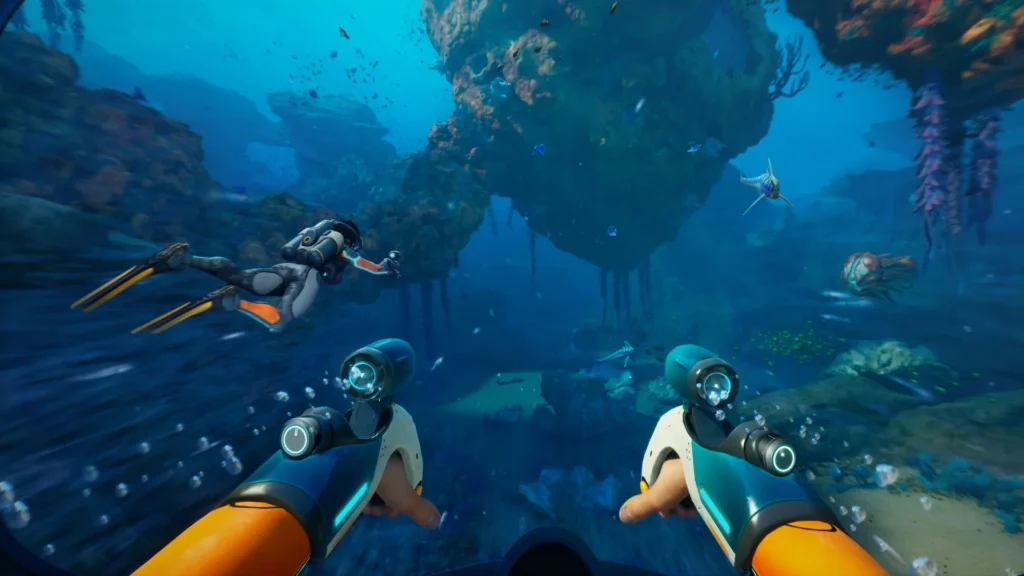
There is also the Wakemaker, which is equipped with a dual-fan propulsion system and reaches a speed of 6 m/s, significantly improving traversal. To unlock its blueprint, you need to scan three handheld accelerator fragments, but it can only be crafted through the Fabricator at your base — it cannot be created in the Lifepod.
We hope this Subnautica 2 guide was useful for you and will help you uncover all the mysteries of the ocean. Good luck in the game!


