If you keep running into the ARMR0002 message that says Matchmaking has failed while trying to play ARC Raiders, you are definitely not alone. Since release, this has been one of the most frequently reported problems. A quick scroll through community forums or Discord channels shows that players across all platforms have experienced it from day one.
In most cases, the ARMR0002 error appears when the game is unable to establish a connection to its servers. This usually happens before you can squad up with friends or load into a raid. While the issue is often linked to server side problems, there are a few troubleshooting steps that may help you get back online faster.
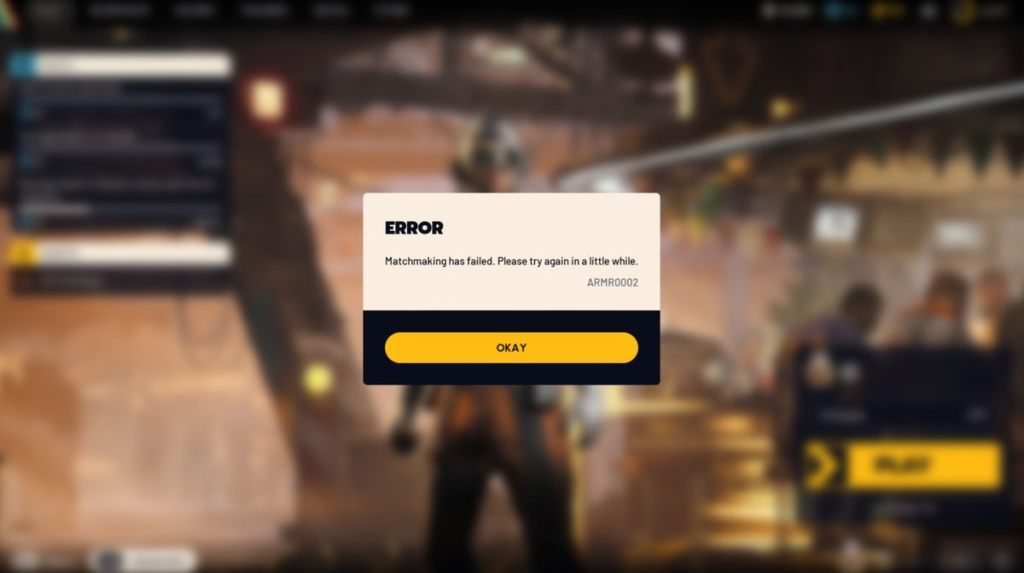
The ARMR0002 code signals that the game client cannot successfully communicate with the servers. Simply put, there is a breakdown in the connection between your system and ARC Raiders.
This problem has been around since the early testing phases and still affects some users after launch. When the error pops up, it means the client cannot connect to the servers in a way that allows access. The cause could be temporary server maintenance, unexpected outages, heavy traffic, or an unstable internet connection on your end.
Although there is no guaranteed fix for ARMR0002, many players have resolved the issue using the following methods:
Fully restart the game. Exit ARC Raiders completely and then relaunch it. A simple restart can clear temporary connection glitches.
Reboot your router or modem. Power cycling your network equipment refreshes the connection and may eliminate lingering network conflicts. For better stability, consider using a wired Ethernet connection instead of Wi Fi.
Check the server status. If restarting both the game and your network does not help, the problem is likely related to Embark Studios. Updates about server outages or maintenance are typically shared on the official Discord server and social media channels.
Avoid peak playtimes. During periods of heavy player activity, servers may struggle with load, which can lead to temporary matchmaking failures.
If none of the suggested steps solve the issue, it may be time to contact official ARC Raiders support or post about the problem in the community Discord. Sharing details about your experience can assist the developers in identifying larger server related issues and rolling out fixes more quickly.

As a Reminder, How to Solve the Ponea Boss Issue in God of War: Sons of Sparta.


