The AIC factory plays a major role in Arknights: Endfield. You’ll need to gather resources, set up production lines, connect everything, and manage operations efficiently. If planning the layout feels overwhelming, using schematics can simplify the process.
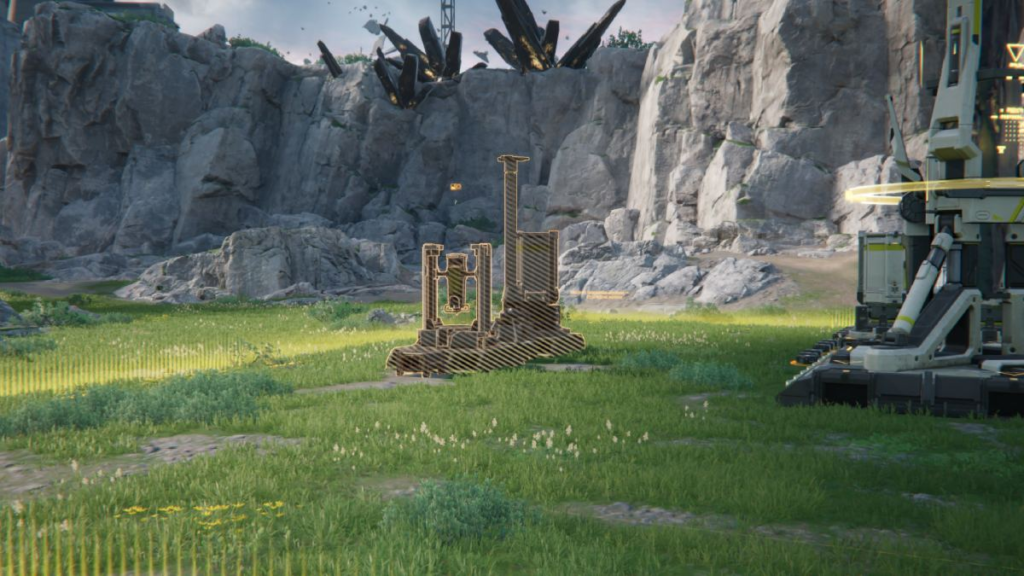
Getting Schematics in Endfield
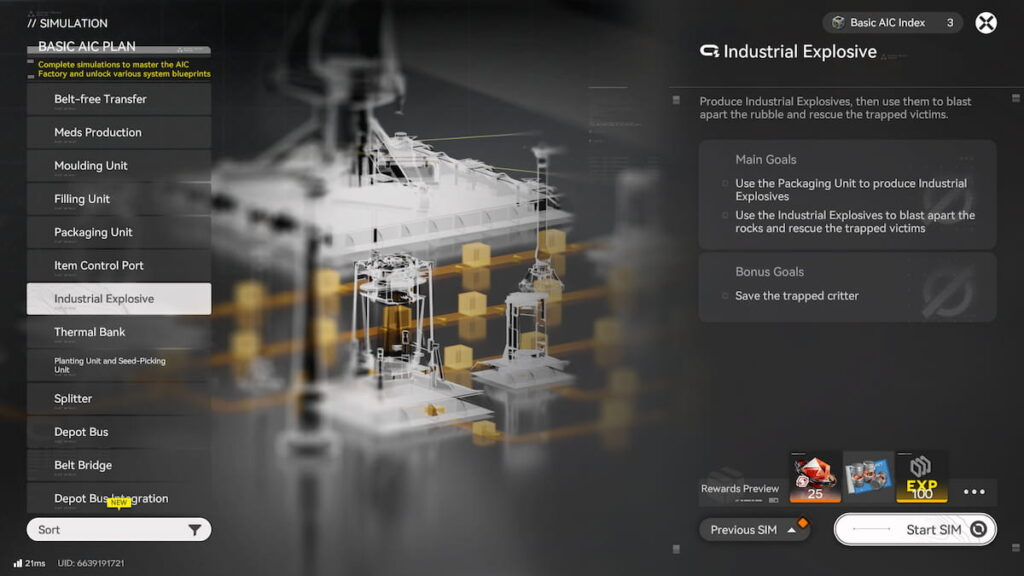
On the AIC Plan screen, which also includes research upgrades for your factory, there is a Simulation tab with various tutorials. These not only explain how layouts function and give Oroberyl rewards, but some simulations also provide a schematic for producing specific items.
Players can also bring in community-created schematics using special codes. These work like normal schematics but can cover larger areas, letting you copy entire factory setups from others instead of building everything from scratch.
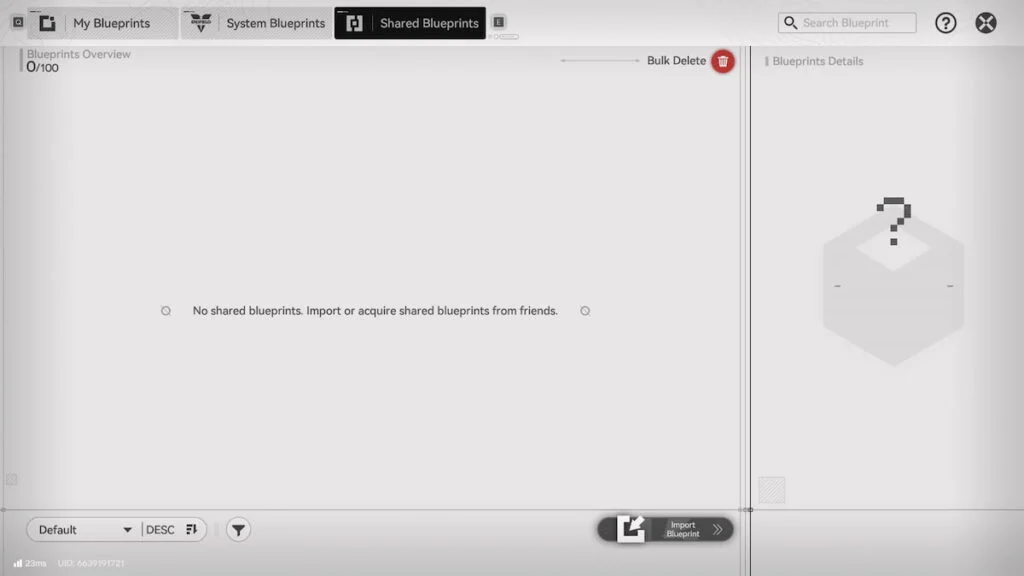
To import a schematic in Endfield:
★ Even though the game doesn’t have a built-in schematic browser yet, codes are widely shared online on platforms like Reddit. As players continue to refine factory layouts, more useful schematic codes will appear.
Creating and Sharing Your Own Schematics
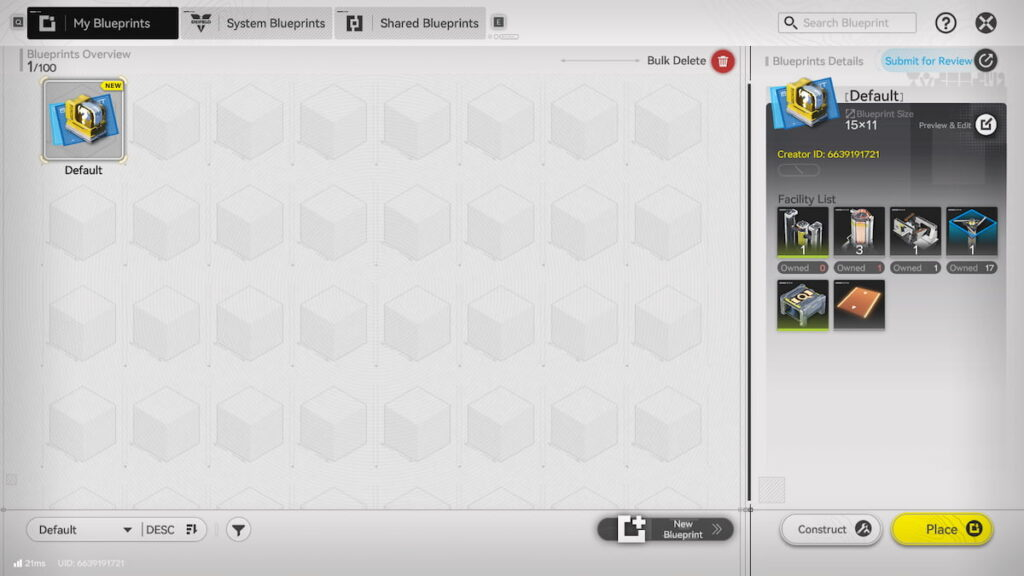
You can design your own schematics and share them with others. In the Schematics menu, go to the My Schematics tab, which can hold up to 100 of your personal designs.
Select New Schematic, choose all the factory components you want to include, and save it. To share your schematic, it must be submitted for review. Pick it in the My Schematics tab and press Submit for Review. After approval, you can share the code with other players.
Using Schematics in Endfield
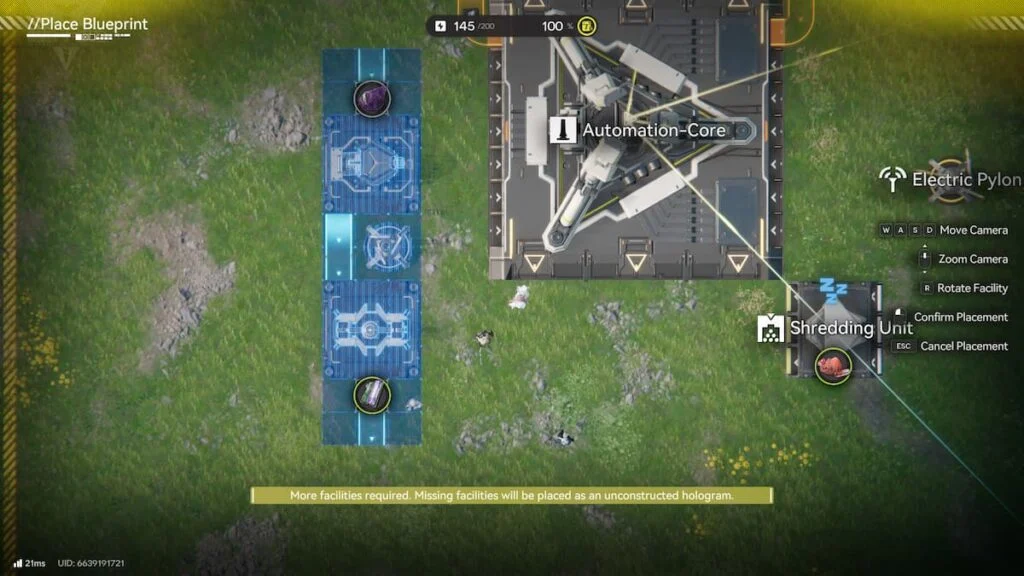
Applying schematics is straightforward. In build mode, open the Schematics menu and select the one you want to place.
There are three categories:
Place the schematic anywhere in your factory. Missing components will appear as holograms until you can add them. Keep in mind that if you haven’t researched the necessary AIC technologies, the schematic cannot be used.
Always check input and output connections when placing schematics to make sure everything is aligned correctly.
As a reminder, Prime Sells His Stake in Karmine Corp – He Is One of the Club’s Co-Founders.


