On February 13, early access to the game Hytale began, and it immediately became incredibly popular. The project was created in the RPG genre with sandbox elements, although it has a strong visual similarity to Minecraft.
Work on Hytale began back in 2015, and the first trailer appeared in 2018 and quickly gathered millions of views. Such hype around the project attracted Riot Games, which acquired it in 2020, but in 2025 announced the termination of work on the game. However, later the rights to the game were bought back by Simon Collins-Laflamme and Hypixel Studios, who had originally started working on Hytale.
Interestingly, Hypixel Studios initially stood behind one of the most successful servers in Minecraft, and therefore it places emphasis on interaction with the audience. That is why the developers do not hinder fans, but on the contrary, turn Hytale into a platform for implementing players’ creative ideas. All of this motivates the community to develop mods for the game. Therefore, we have collected the most interesting modifications for Hytale for you.
Let’s start with how to install mods for Hytale in general. Hypixel collaborates with CurseForge to host mods, which significantly simplifies their installation.
Therefore, you need to go to the CurseForge website, where there are already 4.7 thousand modifications for the game. Then install the CurseForge Mod Manager application on your PC. In it, you will be able to find a section dedicated to Hytale, which contains all the modifications, and you can choose the ones that interest you the most.
After you select a mod that interests you, you will simply need to click the “Install” button, and the mod will be added to the program. Then you can click “play,” and the game will launch with the modification already installed.
So, as you can see, the process of installing mods for Hytale is quite simple; you just need to get used to using CurseForge.
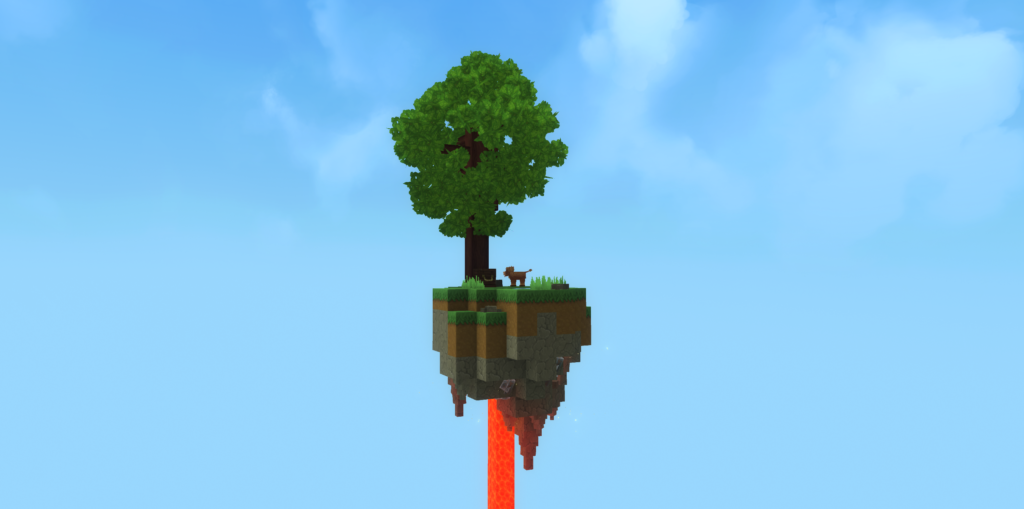
Minecraft players are well familiar with the popular survival mode Skyblock. Its essence is that you spawn on a tiny island located in the void. You must survive, and for this you can use a minimal set of tools.
Considering the similarity between Minecraft and Hytale, the transfer of the Skyblock mode was only a matter of time. So, if you enjoy tough challenges, this mod is definitely worth trying.
At this stage, Hytale does not have a fishing mechanic, although it is a basic feature in Minecraft. Enthusiasts with the nicknames Mrbysco and ShyNieke decided to fix this and created the Gone Fishing mod. Therefore, if you want to meditate while fishing, this mod will help you do so in Hytale.
The Simply Trash mod simplifies the inventory management process by allowing you to quickly get rid of items you do not need. This process works much more easily than in Minecraft, where you had to create a lava tank in which unnecessary items were burned.
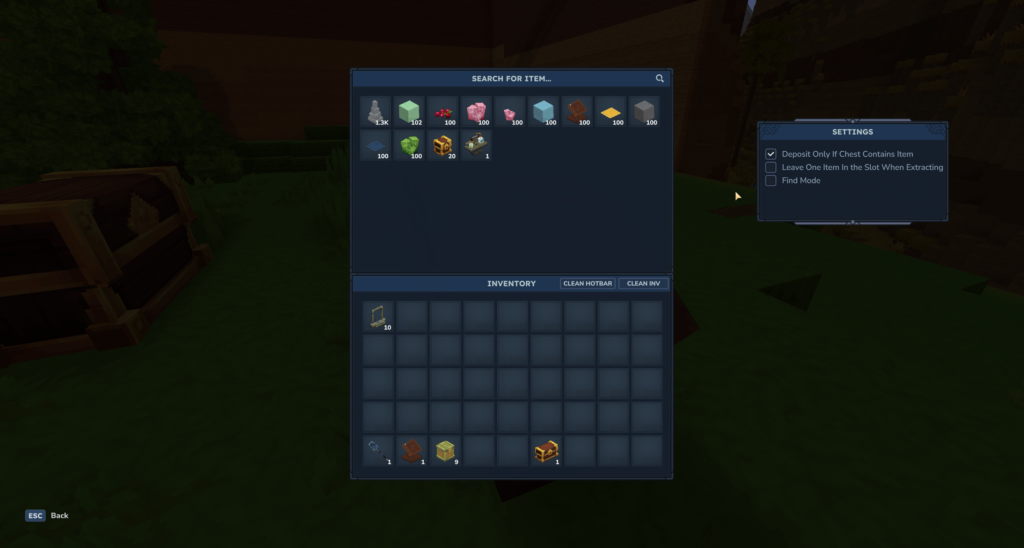
Thanks to the WhereThisAt? mod, you will have the ability to search within your inventory. It allows you to view the contents of all chests located near the Inventory Lectern, also highlights items and moves them to your inventory.
Yes, Immersive Melodies is another mod that originally appeared for Minecraft and was later ported to Hytale. The modification adds a set of 25 songs that can be played on seven instruments. There is also the option to upload your own melodies. Interestingly, the mod works in multiplayer mode, so you and your friends have the opportunity to create your own band.
Buuz135 created a mod that adds a chance that when you mine an ore block, it will reappear in the same place or nearby, allowing you to mine it again. This modification will be especially useful in the early stages of the game, when resources are limited but the desire to progress is strong.
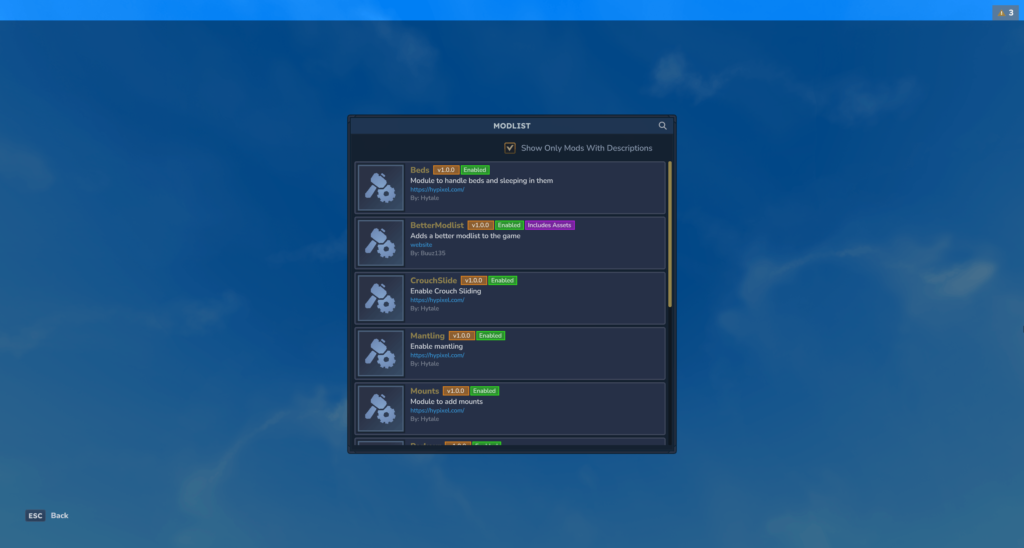
Buuz135 developed this mod to improve the graphical interface of your mod list. The extension adds search functionality to the mod list, support for logo packs, mods, and resources, displaying information about them. Thanks to this, you will be able to see everything that you have installed.
This mod makes all items and resources you collect automatically magnetize toward you and be added to your inventory. Thanks to this, you will be able to save time on missions that require you to gather resources.
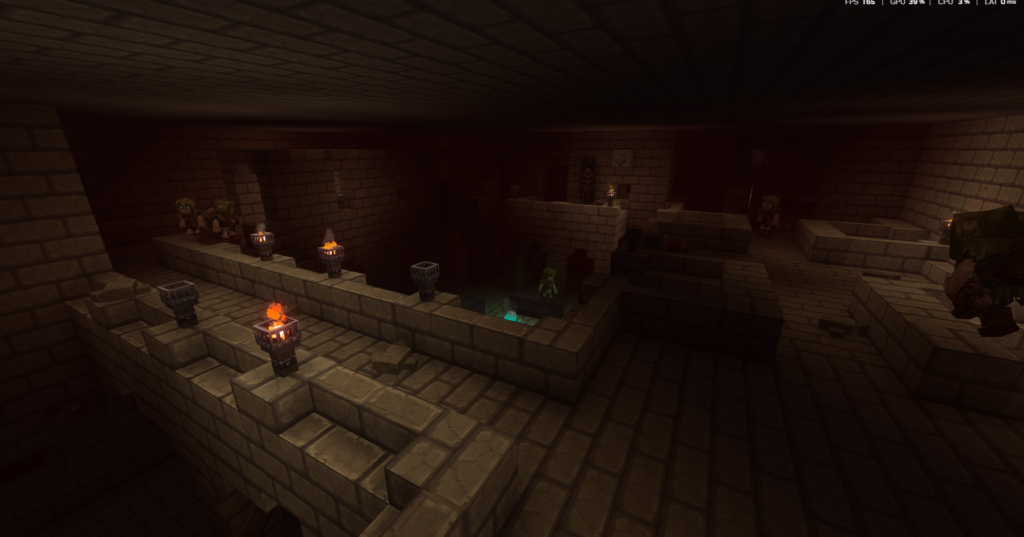
This is another mod that was ported to Hytale from Minecraft. It adds a procedurally generated dungeon to the world that you can explore. At the same time, the creator plans to further develop the project by adding more diverse enemies and structures, as well as increasing the difficulty in the dungeon. These dungeons are currently not naturally generated in the open world but exist as separate locations.
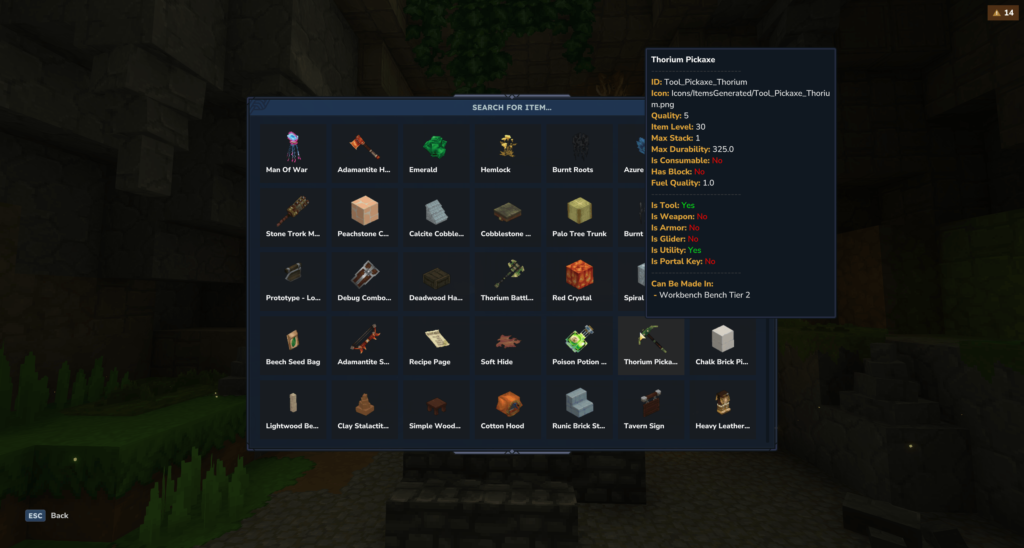
If you are new to Hytale, the Advanced Item Info mod will be especially useful for you. The game contains a huge number of different items, equipment, and resources that can be added to your inventory. Therefore, it can be difficult to remember the purpose of certain items. This mod adds the ability to view important information about items in the game by hovering over their icon. You will be able to find out what kind of item it is, where to find it, and much more important information.
The process of smelting resources into ingots in Hytale is quite long, especially in the early stages of the game. The Thorium Furnaces mod adds 11 new furnaces to the game. Each furnace speeds up the smelting process, allowing you to work with different resources in each of them.
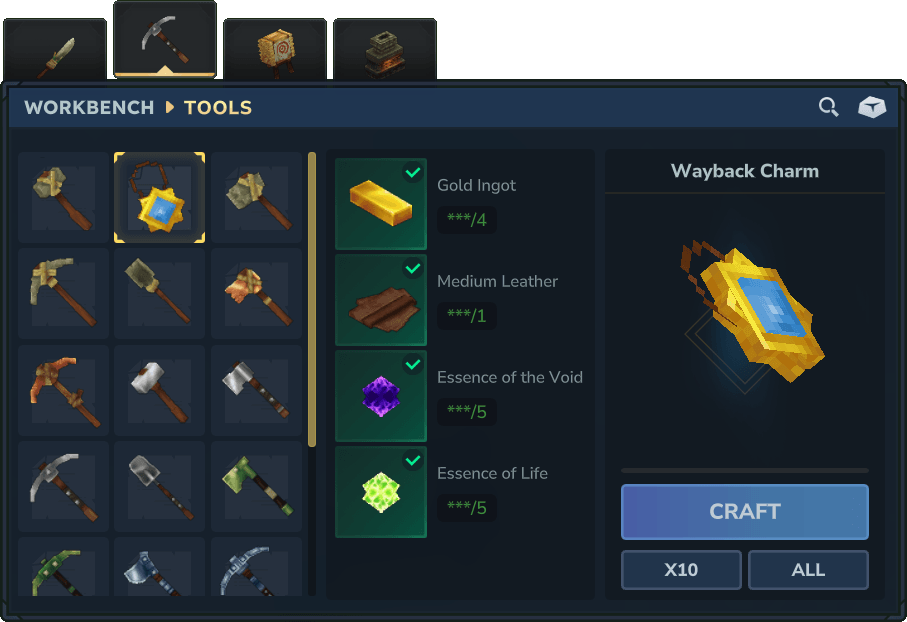
If you are worried about getting lost in the world of Hytale while searching for resources, then you should download the Wayback Charm mod. It allows you, by pressing a single button, to instantly teleport to the nearest respawn point.
Hytale includes a world map, and by exploring it you can remove the fog from it. The BetterMap modification improves this feature by redesigning the default map so that it starts tracking where you have been and increases in size the more you wander through different biomes.
The Overstacked mod by DarkhaxDev makes it possible to bypass the standard limits on the number of items in a single inventory slot. Thanks to it, the default “stack” size for common resources is increased. This makes resource management easier, and you will not have to worry about running out of space.
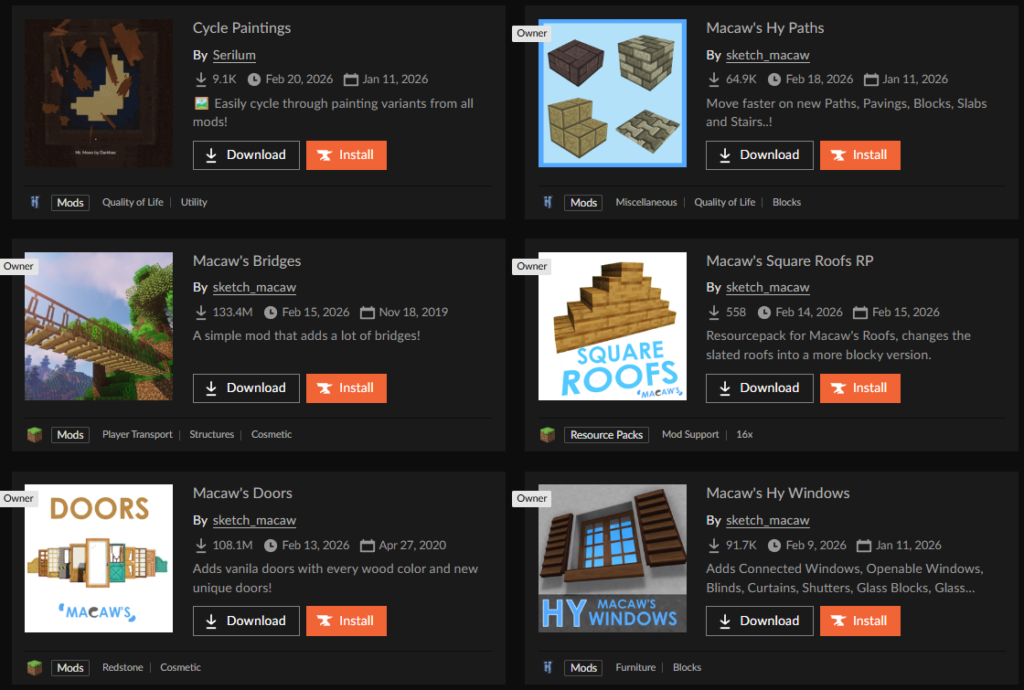
It is also worth paying attention to the series of mods from Macaw's Mods. These modifications focus on expanding building possibilities by adding various decorative blocks, furniture, different types of windows, and much more related to interior design.
We hope that these modifications will make your gameplay more interesting.


